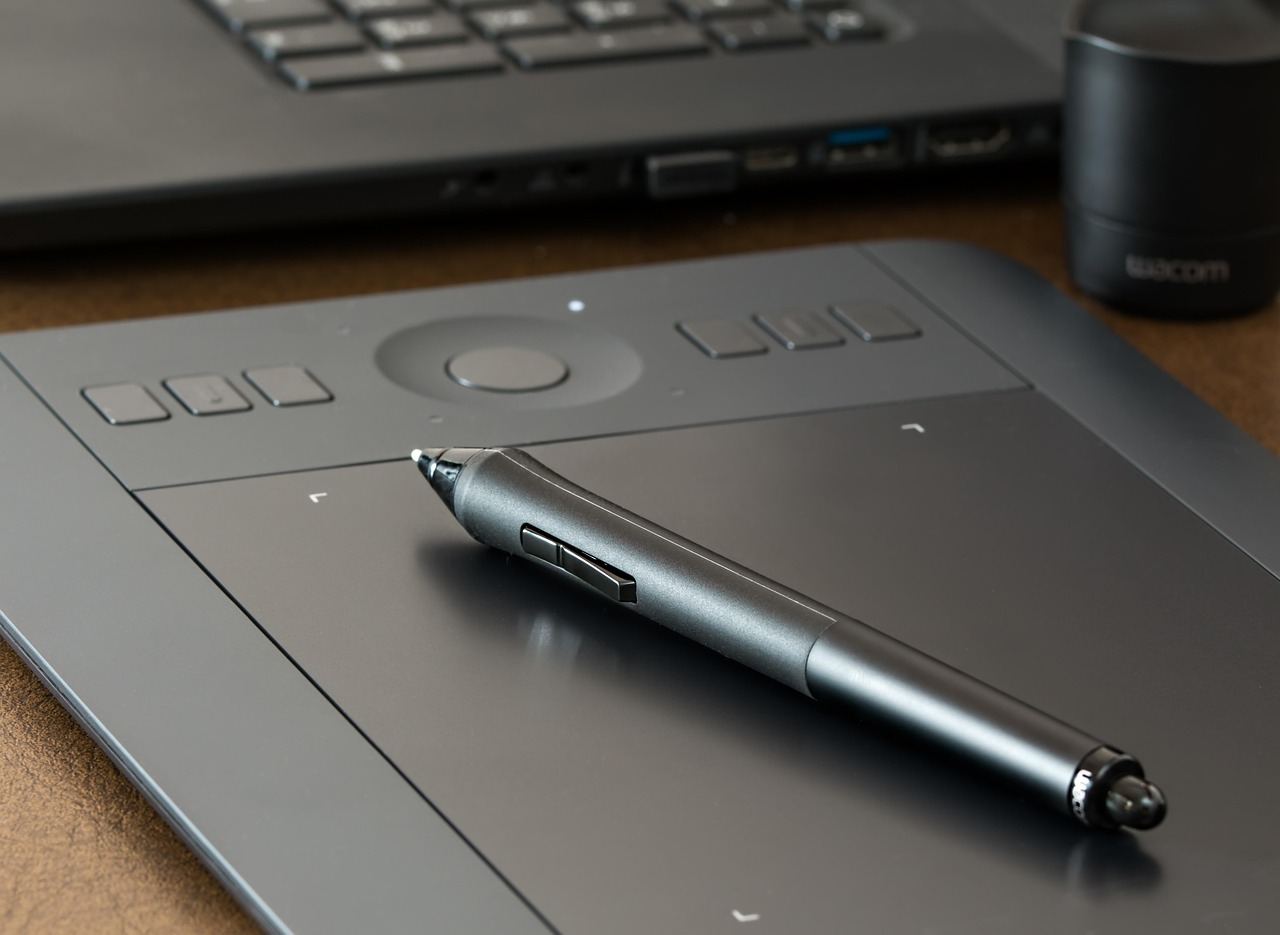
Want to start animating without paying a cent? The best animation software free of charge is Pencil2D for simple frame-by-frame work, Krita for painted frames and Blender for three-dimensional scenes. Pick by the style you want to make.
This guide is part of our wider look at animation techniques, and it helps you choose a tool before you start practising them.
| Item | Value |
|---|---|
| Krita pre-loaded brushes | over 100 pre-loaded brushes |
| Pencil2D licence | Free, open-source, even for commercial use |
| Blender latest listed stable release | March 17, 2026 |
| Krita latest listed stable release | March 31, 2026 |
| Synfig latest listed stable release | January 18, 2026 |
| OpenToonz latest listed stable release | May 9, 2023 |
Release dates come from the Wikipedia list of 2D animation software, and the brush and licence details from PremiumBeat’s free animation guide. These figures can change, so check the source and each project’s own site before you rely on them.
How to choose free animation software
Free software is rarely a cut-down toy. NYFA’s older guide says there are free alternatives good enough to see you through the majority of animation projects you will undertake, while the price tag of a paid home setup can quickly rack up (NYFA).
Start from the kind of animation you want to make, then weigh these points:
- Drawing method: frame-by-frame, vector tweening, cut-out puppets or full three-dimensional scenes each favour different programs.
- Learning curve: PremiumBeat treats Pencil2D as a starter program, while Synfig Studio and OpenToonz ask for more patience.
- Platform: the Wikipedia list shows Pivot Animator as freeware for Windows, while Krita is listed for Windows, OS X, Linux, FreeBSD and Android.
- Licence: Pencil2D is free even for commercial use according to PremiumBeat, but read each tool’s licence before client work.
Settle your animation frame rate early, because it sets how many drawings each second of motion needs. If you want a gentler shortlist, our best animation software for beginners guide narrows the field further.
Free tools for hand-drawn and vector animation
These programs suit drawing-led work, from quick sketches to vector tweening and rigging.
Pencil2D
Pencil2D is a simple, user-friendly app that PremiumBeat says is widely considered a perfect starter program for frame-by-frame animation. It supports both bitmap and vector graphics and includes onion-skinning (PremiumBeat). NYFA’s older guide, which lists it as Pencil, calls it by far the most well-rounded free and open-source option (NYFA).
Onion skinning lets you see previous frames of your animation while you create the next one, according to PremiumBeat.
Krita
Krita is described by PremiumBeat as probably one of the most highly-regarded free animation applications, ideal for hand-drawn work with over 100 pre-loaded brushes. Its built-in brush stabilizers can smooth out the effects of shaky hands, which makes it handy for tablet use (PremiumBeat).
The Wikipedia list gives Krita’s latest stable release as March 31, 2026, with versions for Windows, OS X, Linux, FreeBSD and Android.
Synfig Studio
Synfig Studio trades ease for depth. NYFA’s older guide says it comes with a steeper learning curve, but the results border on the professional level once you master it (NYFA).
PremiumBeat highlights vector tweening, which allows layers to transform into other shapes automatically, and says the software also includes layers, filters and bone-rigging (PremiumBeat). The Wikipedia list shows its latest stable release as January 18, 2026.
OpenToonz
OpenToonz is widely accepted as a free substitute for apps like Adobe Animate, and it offers onion-skinning, bone-rigging and node-based editing, though it has more of a learning curve than other beginner apps (PremiumBeat). The Wikipedia list shows its latest stable release as May 9, 2023, so check the project’s own site for newer builds.
Lighter options: Animation Paper, Pivot Animator and Stykz
Animation Paper is a sleek and straightforward app for hand-drawn animation (PremiumBeat). Pivot Animator is listed as freeware for Windows on the Wikipedia list, and NYFA’s guide notes that the simple tool Stykz integrates with Pivot (NYFA).
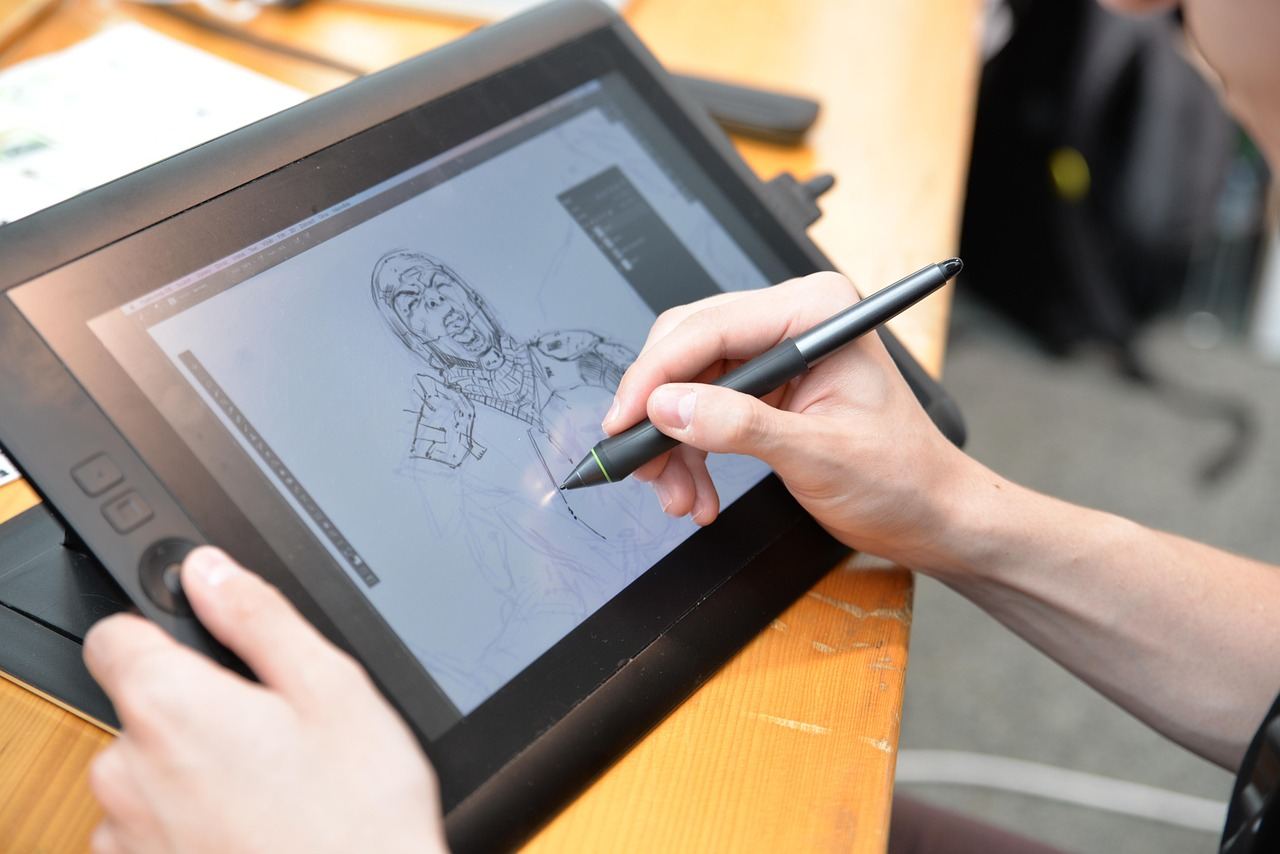
Free 3D tools, with Blender at the centre
Blender is one of the most widely used free animation programs still in active development, and NYFA’s older guide says even professional animators and video game developers turn to it from time to time. The same guide warns it may take beginners some time to get to grips with (NYFA).
Its Grease Pencil tool lets you draw in a 3D environment, and PremiumBeat calls it perfect for traditional 2D animation, cut-out animation and hand-drawn motion graphics (PremiumBeat). The Wikipedia list gives Blender’s latest stable release as March 17, 2026.
For younger or casual users, PremiumBeat points to Toontastic 3D from Google, which lets you design characters, record voiceovers and plot a story beat-for-beat (PremiumBeat). Confirm it is available for your device before you plan around it.
What else belongs in a free animation toolkit
Animation apps rarely do everything, so a small supporting toolkit helps.
- Inkscape is an open-source illustration application that creates vector graphics, which can suit animated character designs (PremiumBeat).
- DaVinci Resolve is a free video editing program that includes many effects, useful for cutting animation clips together or adding post-effects (PremiumBeat).
Which free tool fits which goal?
Treat this as a starting point, not a league table. This site has no ties to software vendors, and nothing here is placed for payment.
- Learning frame-by-frame drawing: Pencil2D.
- Painterly hand-drawn frames on a tablet: Krita.
- Vector tweening and rigging: Synfig Studio or OpenToonz.
- Three-dimensional scenes, or drawing inside a three-dimensional space: Blender.
- Quick stick-figure sketches on Windows: Pivot Animator.
For a second opinion, Creative Bloq says it tests free animation software for beginners and professionals, including free 2D tools.
Frequently asked questions
Is free animation software good enough for professional work?
Show answer
Often, yes. NYFA’s older guide judges free tools capable of handling the bulk of projects, and professionals reach for Blender now and then (NYFA). Pencil2D also carries a licence that permits commercial use (PremiumBeat).
Which free program should a complete beginner try first?
Show answer
Pencil2D is the gentlest start in these sources, since PremiumBeat singles it out as a starter app. Synfig Studio, OpenToonz and Blender are all described as having a learning curve, so save them for later (PremiumBeat).
Can I make 3D animation without paying?
Show answer
Yes, Blender is the usual route, and NYFA’s guide lists it for Mac, Windows, Linux and FreeBSD (NYFA). Expect to invest time in learning it.
Do I need a separate video editor?
Show answer
Not for every project, but one helps when you want to join clips or add effects afterwards. PremiumBeat suggests DaVinci Resolve as a free option (PremiumBeat).
How reliable are the release dates in this guide?
Show answer
Treat them as a snapshot. The Wikipedia page they come from carries a notice that it needs more citations, so confirm the newest version on each tool’s own download page (Wikipedia).